A business operating system (business OS) is one software platform that runs a company's HR, attendance, payroll, CRM, finance, projects and reporting on a single shared database and a single login. For most growing Bangladeshi companies with roughly 10 to 500 employees, it does the job people usually buy an ERP for, without a months-long implementation. It is not the right fit for every industry, though, and this guide is clear about where it isn't.
Below you will find how a business OS differs from ERP, what to check before you sign anything in Bangladesh, how to compare costs, and where SigmaTurn fits. Disclosure: GiveTurn builds SigmaTurn, so we have a stake in the answer. We have tried to make this the guide we would want to read as a buyer, including the section on when you should choose something else.
The short answer
Choose a business operating system if your pain is scattered tools (attendance in one place, payroll in Excel, leads in WhatsApp, accounts somewhere else) and you want one source of truth quickly. Choose a specialised ERP if you run a factory, a garments unit or a heavy inventory operation where bills of materials, production planning or export documentation are the core problem.
What is a business operating system?
A business operating system is a unified platform that combines the everyday functions of a company (people, sales, money, work and reporting) into one product, built on one data model. "One data model" is the important part. It means an employee, a client or an invoice exists once in the system, and every module reads that same record.
Contrast that with a bundle of separate apps that share a logo. If HR and payroll are two products connected by an export, you still have two versions of the truth, and someone has to reconcile them at month-end. In a true business OS, approving a leave request updates the roster and the payroll calculation at the same moment, because they are reading the same record.
The word "operating system" is a metaphor, not a technical claim. Windows runs your computer's hardware so that applications don't each have to. A business OS runs your company's core records so that HR, sales, finance and operations don't each keep their own copy.
Business operating system vs ERP: what is the real difference?
ERP (enterprise resource planning) also uses one database, so the difference is not "connected vs. disconnected". It is about what the system is built around, how long it takes to adopt, and who it is designed for.
| Factor | Separate tools | Traditional ERP | Business operating system |
|---|---|---|---|
| Data model | A separate database in every app | One database, usually built around finance and inventory | One shared data model across HR, CRM, finance and operations |
| Typical set-up | Quick per tool, then integration work | Often months of configuration and training | Days to weeks |
| Strongest at | Doing one job well | Manufacturing, inventory, complex accounting | Running people, sales, projects and money together |
| Pricing shape | Many separate subscriptions | Licence, implementation and per-user fees | Usually a flat or module-based plan |
| Best for | Very small teams | Large, process-heavy firms | Growing SMEs, multi-branch service, retail and logistics firms |
| Main risk | Re-entry and numbers that disagree | Cost and complexity | Less depth for specialised industry workflows |
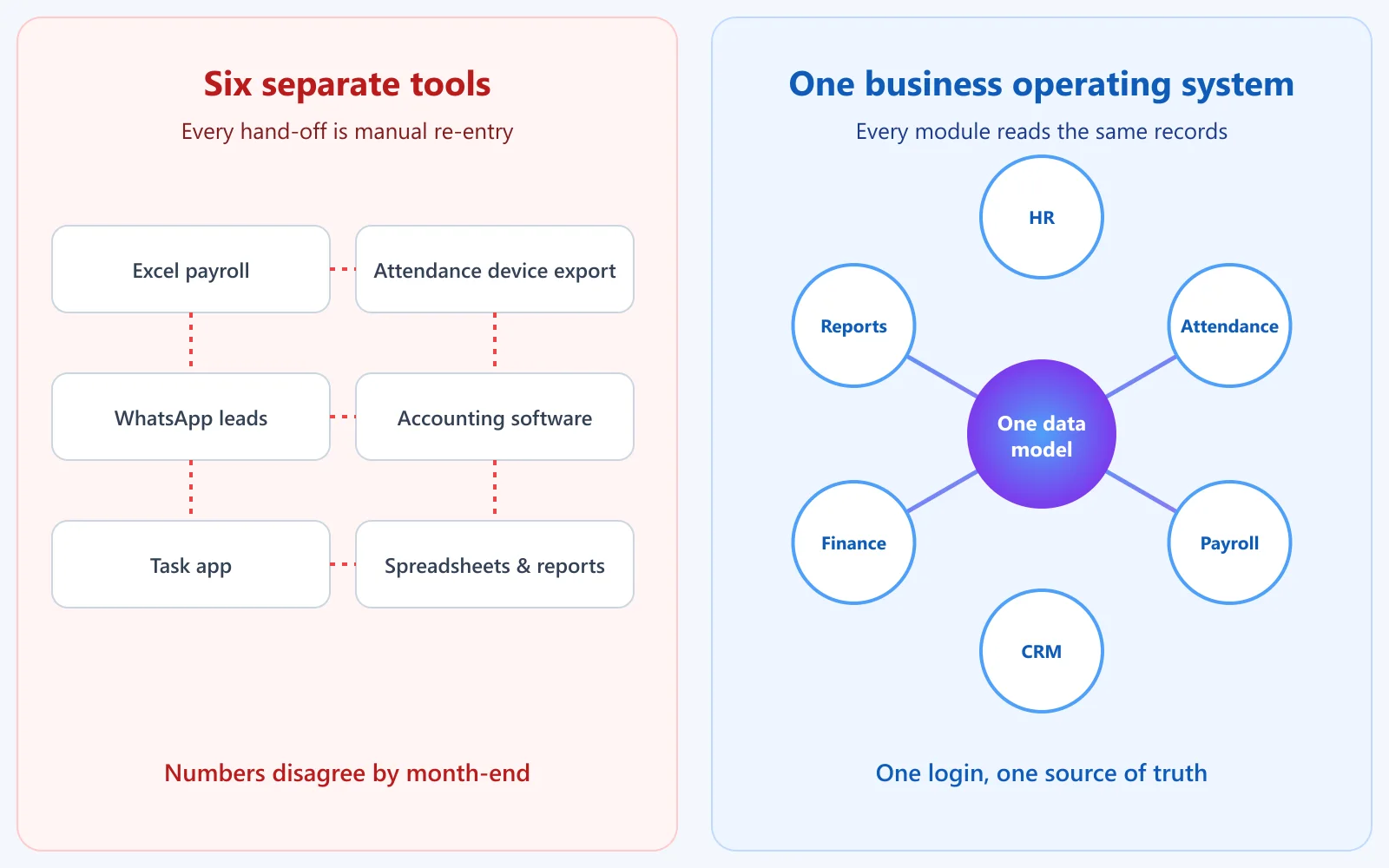
Put simply, an ERP is usually a finance-and-inventory engine that grew outward to cover people and sales. A business OS is usually the reverse: it starts from the daily work of people, customers and money, and adds depth from there. Neither is "better" in the abstract. The right choice depends on what your business does all day.
Why Bangladeshi businesses are moving to all-in-one platforms
Small and medium enterprises carry a large share of Bangladesh's economy. The SME Foundation's chairperson has put the sector's contribution to GDP at around 27%, with about 85% of industrial employment. These are precisely the companies that outgrow spreadsheets before they can afford a multi-year ERP programme.
A very common set-up in a growing Dhaka, Chattogram or Sylhet company looks like this: attendance exported from a fingerprint device into Excel, payroll calculated in a second spreadsheet, leads scattered across WhatsApp, Facebook Messenger and phone calls, invoices in accounting software, and tasks assigned in a group chat. Each tool works. The gaps between them are where the errors, delays and arguments live.
Payroll is where this gets expensive. Under Section 108 of the Bangladesh Labour Act 2006, overtime is paid at twice the ordinary rate of basic wage plus dearness allowance and any ad hoc or interim wage. If attendance is exported by hand and overtime is counted by eye, small mistakes multiply across a whole team, every month. Pulling overtime straight from logged attendance removes that step entirely.
- Field and hybrid teams: sales reps, delivery staff and technicians are not at a desk, so office-only attendance misses them.
- Multiple branches: the owner wants one view of every branch without waiting for each manager's report.
- Owner visibility on mobile: approvals, attendance and sales numbers should be answerable from a phone.
- Growth without a rebuild: adding a department shouldn't mean buying and integrating yet another product.

What should a business operating system include?
Not every business needs every module, but a credible business OS should cover these areas, all reading from the same records:
- HR and attendance: employee records, leave with approvals, shift rosters, holidays and attendance (biometric devices, mobile and GPS for field staff).
- Payroll: salary structures, overtime from real attendance, payslips and audit-ready reports.
- CRM and sales: a lead pipeline, client records, orders and support tickets.
- Finance and accounting: invoicing, expenses, a general ledger, and profit-and-loss and balance sheet reports.
- Work management: projects, tasks, assets and events.
- Reporting and analytics: dashboards that pull from every module without exporting anything.
- Security and access control: role-based permissions, encryption and backups.
- Integrations: an API and webhooks so it can talk to your other software.
How to evaluate a business operating system in Bangladesh: a 10-point checklist
Most "top 10" lists for this topic are written by the vendors themselves, so they tend to reward whoever wrote them. Use this checklist instead. It works for any product, including ours.
- 1. One real data model. Test it: change an employee's department, then check whether payroll and reports update without an import. Products assembled from acquired apps often fail this.
- 2. Attendance you can trust. Ask which biometric devices are supported, how GPS or geofenced check-in works for field staff, and what happens when a device is offline.
- 3. Payroll that matches your rules. Give the vendor your real payroll sheet and ask them to reproduce last month's result, including overtime, leave deductions, festival bonus, provident fund and tax. Do a parallel run before you switch.
- 4. VAT and invoicing. If you are VAT-registered, ask for a sample invoice in the format the National Board of Revenue (NBR) expects (the "Mushak" forms) and how VAT returns are prepared.
- 5. Bangla and local payments. Can staff use the self-service app in Bangla? Does it work with bKash, Nagad, or your bank's payment gateway?
- 6. Transparent pricing. Is the price published? Is it per user or per plan? Are there set-up, training or support fees? Most Bangladeshi software vendors do not publish their prices, which makes comparison hard.
- 7. Payment logistics. If the price is in US dollars, ask how you can pay. An international-enabled card or bank transfer is usually needed, so confirm what your bank will allow before you commit.
- 8. Security basics. Encryption in transit and at rest, role-based access, automatic backups, and a clear way to export or delete your data.
- 9. Migration. Can you import from Excel with validation, or will someone re-type 300 employee records?
- 10. Support you can reach. Support hours in Bangladesh time, a real channel (chat, phone, email), and training for your team.
SigmaTurn: a business operating system built by GiveTurn
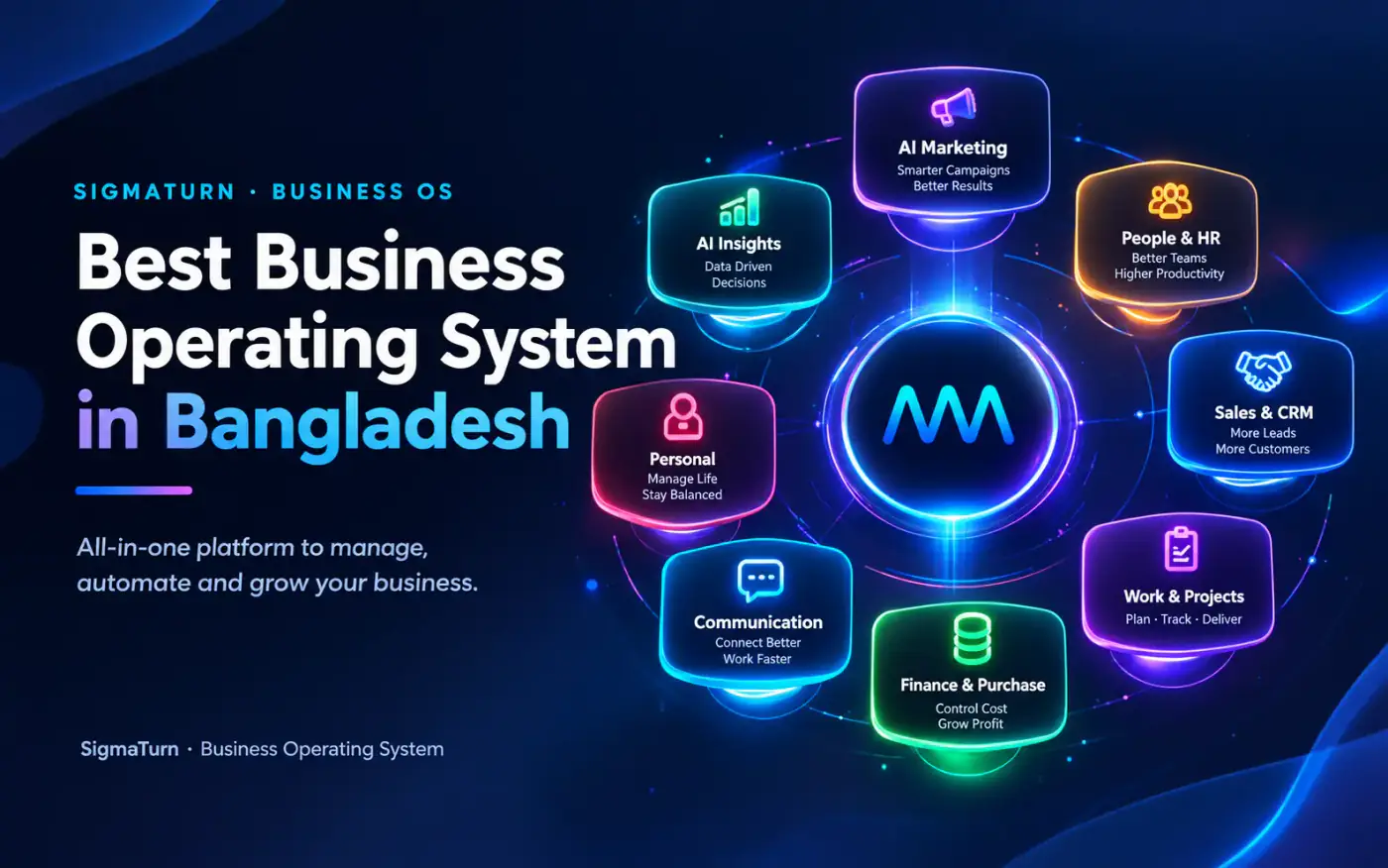
SigmaTurn is GiveTurn's AI-powered business operating system. Its founding idea is stated plainly on its site: running a business shouldn't mean stitching six tools together and hoping the numbers agree. Every module shares one data model, so HR, finance, sales and operations read the same records. The platform lists more than 30 modules across eight categories:
| Category | Modules | What it covers |
|---|---|---|
| People & HR | HR, Payroll, Recruit, Performance, Biometric Attendance, Policy Center, Letters | Employee records, leave, shifts, payroll, hiring, OKRs and reviews, fingerprint and face-recognition devices |
| Sales & CRM | Leads, Clients, Orders, Tickets | A pipeline from New Lead to Won or Lost, client history, order management and a support desk |
| Finance & Purchase | Finance, Purchase, Accounting, E-Signature | Invoicing, cash flow, procurement, ledger, budgets, P&L and balance sheet, signed documents |
| Work & Projects | Work, Assets, Events | Contracts, projects and tasks, asset tracking, event planning |
| AI Marketing | Front Website, Lead Collection, Smart Marketing, Biolinks | Website, lead capture from chat, forms and bookings, campaigns |
| AI Insights | Analytics, AI Intelligence, Location Intelligence, Reports | Cross-module dashboards, read-only AI insight, GPS workforce tracking, reporting |
| Communication | Messages, Zoom Meeting | Internal messaging and Zoom scheduling |
| Personal | Dashboard, My Calendar, My Location Tracking, Notice Board | Each employee's tasks, calendar, notices and a view of exactly what location data is visible about them |
How the modules connect in practice
- Attendance to payroll. Attendance and shift rosters feed payroll directly, and overtime is calculated from actual logged hours with configurable rates per role or location. Leave requests flow through approval and sync to the roster and payroll automatically.
- GPS for field teams. Geofenced attendance and location intelligence let managers see where field staff are during work hours. The Personal module also shows each employee exactly what their employer can see, which is good practice for building trust when you track staff.
- Lead to client to invoice. Leads arrive from chat, forms and bookings, move through the pipeline, and won deals become client records. Finance posts invoices and payments to the ledger automatically, so budget-versus-actual updates as transactions happen.
- AI that reads, not writes. The AI Intelligence module is described as read-only and trust-first: it surfaces anomalies, reorder alerts and summaries rather than changing your data.
On security, SigmaTurn states that data is encrypted in transit and at rest, access is role-based, backups run automatically and tenant-level data isolation is on by default. It offers a REST API and webhooks for integrations, iOS and Android apps, and guided migration from spreadsheets and existing tools with field mapping and validation. Its own comparison page says teams are typically live in days rather than months. That claim is the vendor's, so test it in the free trial rather than take our word for it.
Want to see it for yourself? Visit the official SigmaTurn website. SigmaTurn grew out of GiveTurn's earlier GPS-powered business management work, and its location features build on the same experience behind our employee location tracker for Bangladeshi teams.
How much does a business operating system cost, and how do you compare prices?
There is no single market price, because the pricing shape differs so much between products. Start by understanding the three common models, because the same "monthly price" can mean very different bills.
- Per user, per month. Simple to start, but the bill grows with every hire, and it often covers only one function. Add payroll, CRM and accounting from other vendors and the total climbs.
- Flat or module-based plans. A fixed price for a set of modules or a team size. Easier to budget, but check the user limits and which modules are included.
- Licence plus implementation. A larger up-front cost, common with traditional ERP, usually followed by annual maintenance and paid customisation.

Bangladeshi ERP vendors' own price guides quote a very wide spread, from a few tens of thousands of taka for basic packages up to several lakh taka for full-featured or industry-specific systems such as garments ERP, usually plus implementation and support. Ranges vary by vendor, so read the sources at the end of this guide.
Whatever you shortlist, ask every vendor for a written total cost of ownership over three years, covering licences or subscriptions, set-up, training, customisation, support, hosting and any extra charge for more users or modules. To find out what SigmaTurn would cost for your team size and the modules you need, start the free trial or contact the team through the official SigmaTurn website.
When SigmaTurn is not the right choice
SigmaTurn's own principles include being honest about what is real, so here is where we would point you elsewhere or ask you to verify first.
- Heavy manufacturing and garments. If bills of materials, production planning, merchandising, buyer orders or export documentation are your core workflow, a specialised ERP built for RMG or manufacturing will go deeper than a general business OS.
- Statutory Bangladesh compliance out of the box. SigmaTurn's public pages do not currently claim NBR VAT-return automation or Bangladesh Labour Act payroll rules as built-in features, and its compliance page centres on GDPR. If you depend on either, run the checklist above against your real data during the trial.
- Bangla-first interface. The public site does not list a Bangla interface. If your staff need one, confirm it before you commit.
- Billing and payment options. Confirm how you can be invoiced and how you can pay from Bangladesh before you commit.
- Very large, multi-entity groups. Complex consolidation across many legal entities deserves a direct conversation with the SigmaTurn team rather than a guess from a web page.
A 30-day rollout plan that works for any all-in-one platform
Adopting a new system fails more often from rushing than from picking the wrong product. A staged rollout keeps the business running:
- Week 1: people and attendance. Import employee records from Excel, set up departments, designations, shifts and holidays, connect attendance devices or the mobile app, and run it alongside your current process.
- Week 2: payroll in parallel. Run one full payroll cycle in the new system and in your old spreadsheet. Investigate every difference. Only switch when the totals match, including overtime.
- Week 3: leads and clients. Move your customer list in, define your pipeline stages, and route website forms and enquiries into it so nothing lives only in WhatsApp.
- Week 4: finance and reporting. Connect invoicing and expenses, set budgets, and build the two or three dashboards the owner actually looks at each week. Then retire the old spreadsheets one by one.
Common mistakes when adopting an all-in-one platform
- Turning on every module at once. Start with the department that hurts most and expand.
- Skipping the parallel payroll run. This is the single most valuable test you can do.
- Ignoring data clean-up. Duplicate customers and outdated employee records move into the new system with you. Clean them first.
- Tracking staff without telling them. Explain what location data is collected and why. Transparency reduces resistance.
- Buying on features instead of fit. A shorter feature list you will actually use beats a huge one nobody opens.
Frequently asked questions
What is a business operating system?
A business operating system is a single platform that runs a company's HR, payroll, CRM, finance, projects and reporting on one shared database and one login, so every department works from the same records instead of separate tools.
Is a business operating system the same as ERP?
No. Both use a shared database, but ERP is usually built around finance, inventory and manufacturing and takes longer to implement, while a business operating system starts from people, sales and daily operations and is usually quicker to adopt. Many SMEs can use a business OS instead of ERP; factories often still need ERP.
What is the best business operating system in Bangladesh?
It depends on your business. For a growing service, retail, logistics or pharmacy business that wants HR, attendance, payroll, CRM and finance in one place, a business operating system such as SigmaTurn is worth trialling. For garments or factory operations, a specialised ERP is usually a better fit. Judge any product with the 10-point checklist above.
Can a business operating system replace ERP?
For many small and mid-sized businesses, yes, because the core needs are people, sales, projects and accounting. It is less likely to replace an ERP where production planning, bills of materials or industry-specific compliance are central.
How do I find out what SigmaTurn would cost for my business?
The cost depends on your team size and the modules you need. The best way to find out is to start the free trial or contact the team through the official SigmaTurn website.
Does SigmaTurn support biometric attendance devices?
Yes, SigmaTurn supports fingerprint and face-recognition attendance devices and maps them to employee records, with real-time check-in logging, multi-location monitoring and offline-device alerts. It doesn't list specific device brands publicly, so confirm your exact model during the trial.
Can I track field employees with GPS?
Yes. SigmaTurn includes geofenced attendance and GPS workforce tracking through its Location Intelligence module. Employees can also see exactly what location information their employer can view.
Is my company data safe in a cloud business operating system?
Look for encryption in transit and at rest, role-based access, automatic backups and tenant-level isolation. SigmaTurn states that all of these are on by default. Always confirm how you can export your data if you leave.
How long does it take to switch?
SigmaTurn says teams are typically up and running in days, with guided import from spreadsheets. In practice, plan about a month to run payroll in parallel and retire old spreadsheets safely.
Can I try it before paying?
Yes. SigmaTurn offers a 7-day free trial with full access and no credit card required. You can start it on the official SigmaTurn website.
The verdict: which one should you choose?
If your problem is scattered tools and slow month-ends, and you are a service, retail, logistics, pharmacy or professional-services business of 10 to 500 people, a business operating system will likely get you to one source of truth faster and more cheaply than a traditional ERP. If your problem is production, inventory depth or garments-specific compliance, choose a specialised ERP and check its payroll and VAT handling against your real data.
Either way, do the same three things: run the 10-point checklist, insist on a parallel payroll run, and get pricing in writing. Whether you pick SigmaTurn or not, those steps will protect you.
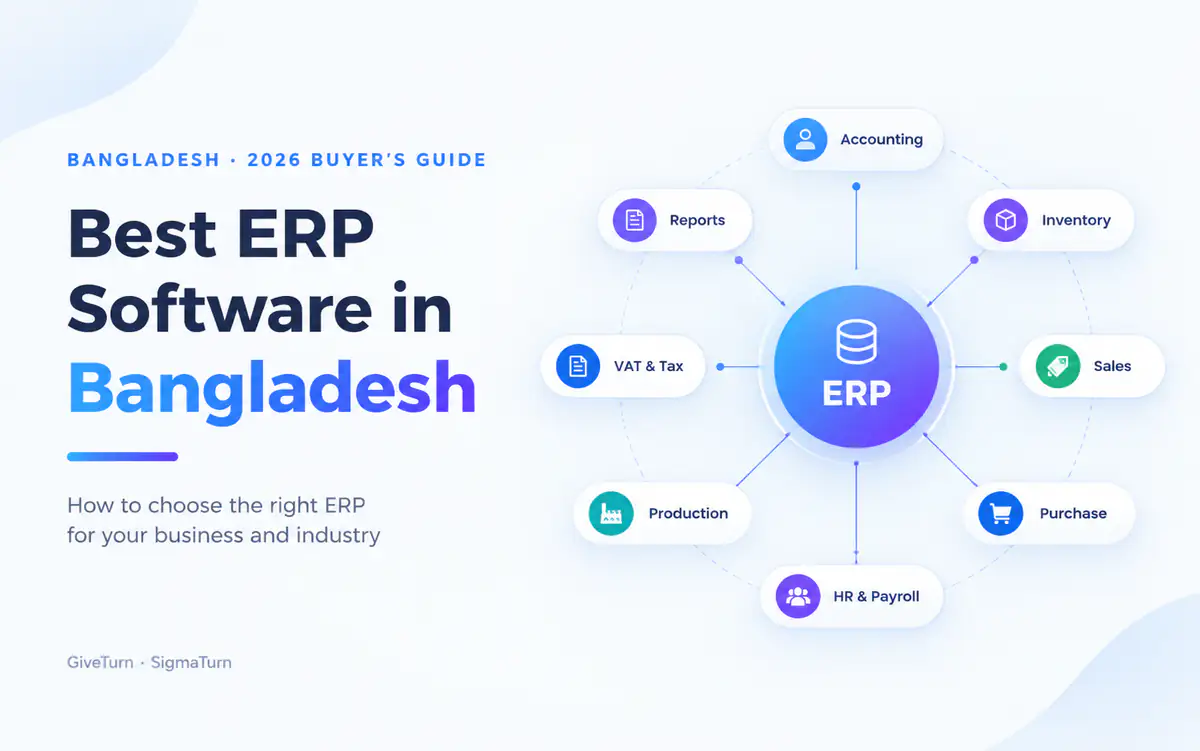
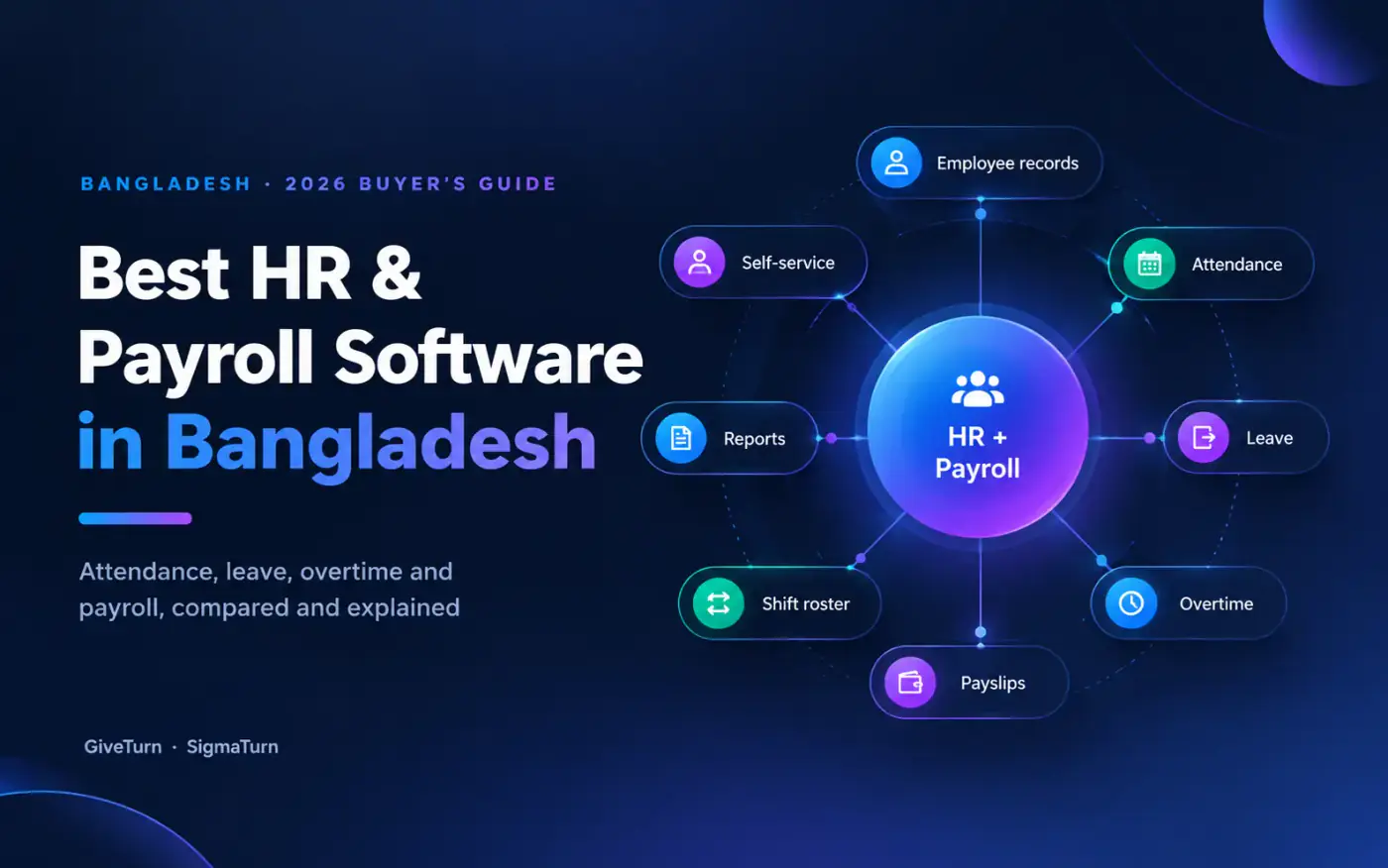
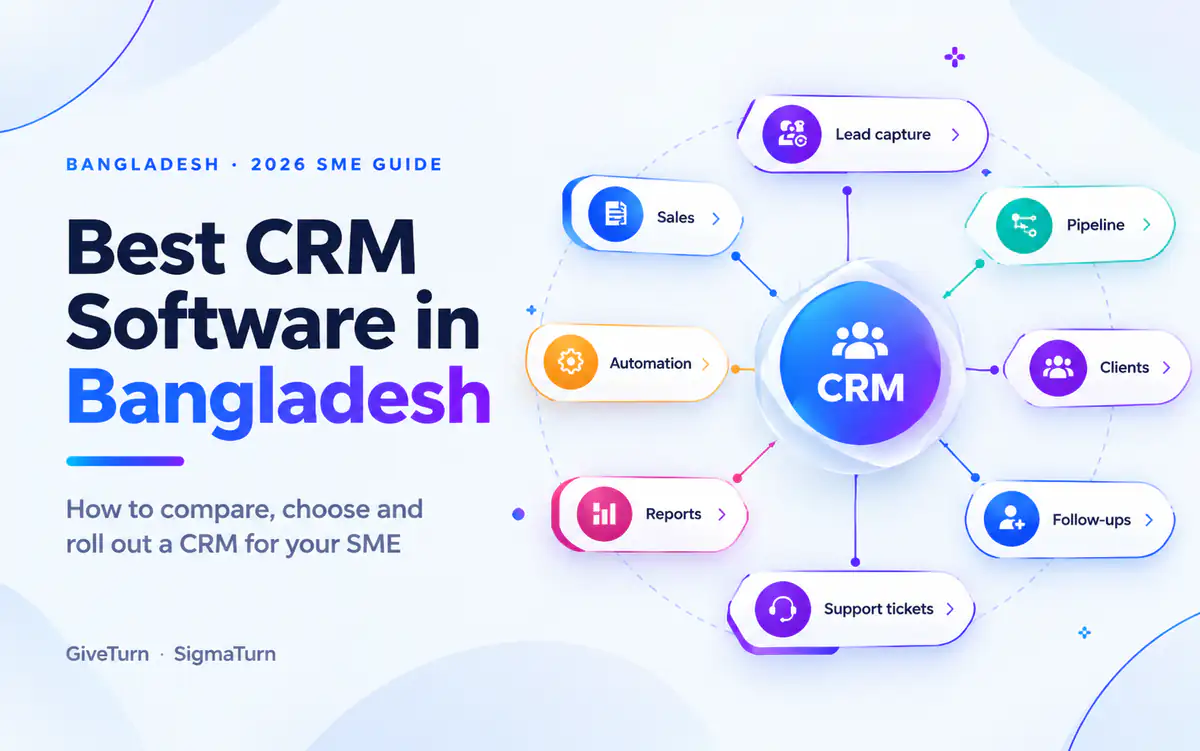
Ready to go deeper? Read our detailed buyer's guides to the best ERP software in Bangladesh, the best HR and payroll software in Bangladesh and the best CRM software in Bangladesh for SMEs.
Sources and further reading
- SigmaTurn official website: platform, modules, FAQ and comparison pages (read September 2026)
- Bangladesh Labour Act 2006 (ILO), including Section 108 on overtime. The Act has been amended since 2006, so check the current text.
- SME Foundation on the sector's GDP share (The Bangladesh Today)
- iBOS: Best HR software in Bangladesh, on vendor pricing transparency
- Photos via Unsplash (free Unsplash License): litoon dev, charlesdeluvio and sidney zou. Downloaded, cropped and compressed to WebP.
- ERP price guides from Bangladeshi vendors: PinTechERP, Pridesys and Biznify
Written by the GiveTurn Team
Notes from the engineers, marketers, and product builders behind 1,200+ projects for 500+ clients.