The best business operating system for a restaurant or café in Bangladesh is one that gives every table its own live order, sends orders straight to the kitchen, totals the bill with discount and VAT, and records every sale, purchase, staff shift and taka of expense in the same system, across every outlet. A retail POS can ring up a sale. A restaurant also needs to know which table ordered what, who is serving them, what the kitchen is cooking, and whether today's cash matches today's bills.
This guide is for restaurant owners, café and coffee-shop owners, food court operators and restaurant groups with more than one outlet. It covers what to look for, how the common options compare, the Bangladesh-specific points to check, and where SigmaTurn fits. Disclosure: GiveTurn builds SigmaTurn, so we have a stake in the answer. We have written this as the guide we would want as a restaurant owner, including a section on when you should choose something else.
The short answer
If your orders still move on paper chits, bills are totalled by hand, and the closing cash rarely matches the sales, choose a system with table-wise orders, orders sent straight to the kitchen, automatic bills with discount and tax, and daily sales by cashier, payment method and branch. If the same system also runs your staff attendance, payroll, supplier purchases and accounts, it is a business operating system rather than just a restaurant POS.
Why can't a normal POS run a restaurant?
A shop sells an item and the customer leaves. A restaurant works differently. A table opens, the order grows over an hour, the kitchen cooks in a particular order, a server looks after several tables at once, and the bill only closes when the guests are ready to leave. Retail software isn't built for any of that, so most restaurants end up running the shift on paper:
- Orders shouted across the floor or written on chits and pinned up in the kitchen, where they get lost, misread or cooked twice.
- Extra items added mid-meal on a separate slip that someone has to remember to add to the bill.
- Bills totalled by hand or on a calculator, with discounts and VAT worked out at the table while the guests wait.
- No clear owner for each table, so the floor manager can't tell which server is looking after which guests.
- A closing count that never quite matches the cash drawer, and no easy way to see which cashier or payment method the difference came from.
- Staff, suppliers and accounts in separate places: attendance in a register, purchases in a notebook, and the books updated at month-end.
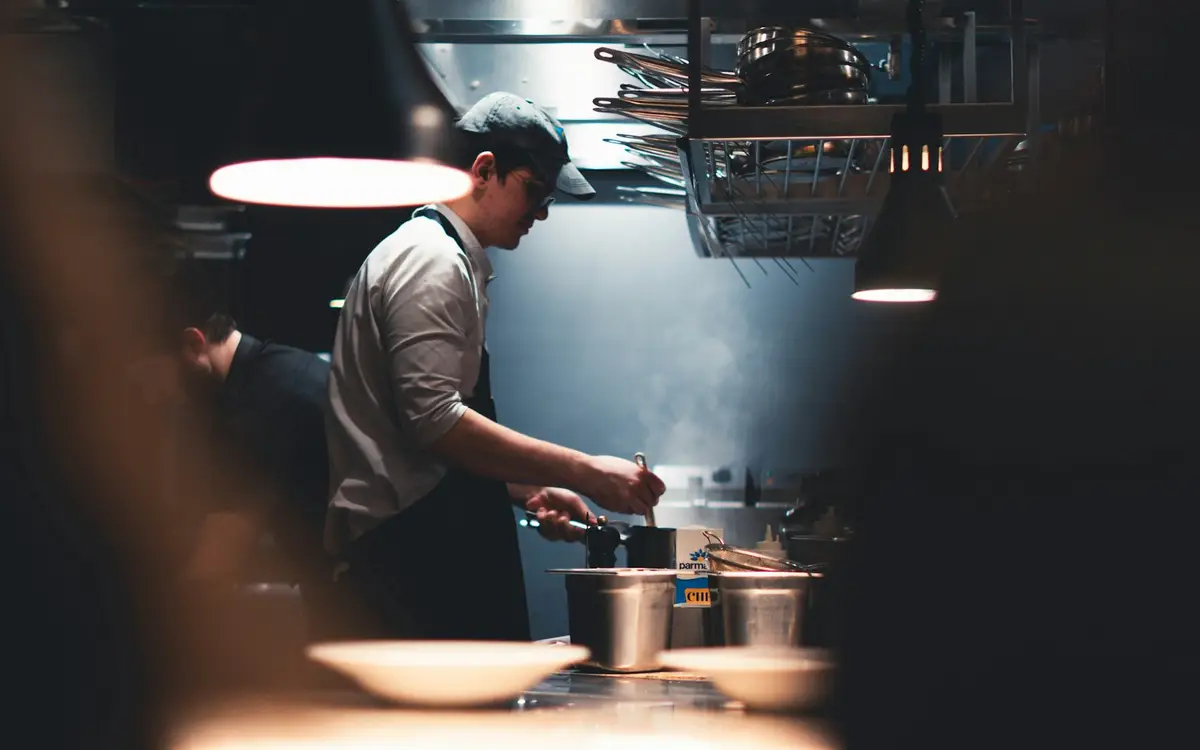
Each of these is small on a quiet afternoon. On a Friday night, during Ramadan iftar rush or at a busy food court, they turn into wrong orders, slow tables, lost revenue and arguments at closing time.
What should a business operating system do for a restaurant or café?
A business operating system runs a company's sales, purchases, accounts and staff on one shared database and one login. For a restaurant or café, it should cover these jobs, all reading the same records:
- Table management. Every table has its own live order, and you can see which tables are occupied at a glance.
- Server assignment. Each table is assigned to a server, so the floor manager always knows who is responsible for which guests.
- Orders sent straight to the kitchen. The kitchen sees what to prepare and in what order, without anyone walking a paper ticket over.
- Kitchen workflow tracking. Each order is followed from the moment it is placed to the moment it is served.
- Add to an open table. Items ordered later in the meal join the same table order instead of starting a new bill.
- Automatic billing. The bill is totalled with discount and tax, payment is taken, and a receipt is printed.
- Daily sales reports. The day broken down by cashier, payment method and branch, so closing is a check rather than a hunt.
- Staff, purchases and accounts in the same system. Waiters, cooks and cashiers for attendance and payroll; suppliers and purchases; and every bill posted to the books.
- Multiple outlets. Each outlet runs as its own branch, and head office sees them all together.
Paper chits vs basic POS vs restaurant POS vs business operating system
| What you need | Paper chits and a register | Basic retail POS | Standalone restaurant POS | Business operating system |
|---|---|---|---|---|
| Live order per table | On paper | No | Yes | Yes |
| Orders sent to the kitchen | Walked over by hand | No | Usually | Yes, straight from the table order |
| Bill with discount and tax | Calculator | Yes | Yes | Yes, with a printed receipt |
| Daily sales by cashier, payment method and branch | Counted by hand | Partly | Usually | Yes |
| Staff attendance and payroll | Separate register | No | Rarely | Same system |
| Supplier purchases and expenses | Notebook | Sometimes | Sometimes | Same system |
| Accounts | Re-typed later | Separate software | Often exported | Every closed bill posts to Finance |
| Several outlets | Phone each manager | Often one shop only | Varies | Per-branch tables and sales with a head-office view |
A standalone restaurant POS solves the front of house. The difference with a business operating system is what happens after the bill closes: the sale lands in your accounts, the staff who served it are already in HR for attendance and payroll, and the supplier bill for the ingredients sits in the same system. You stop reconciling three tools at month-end.
How SigmaTurn's Restaurant module works
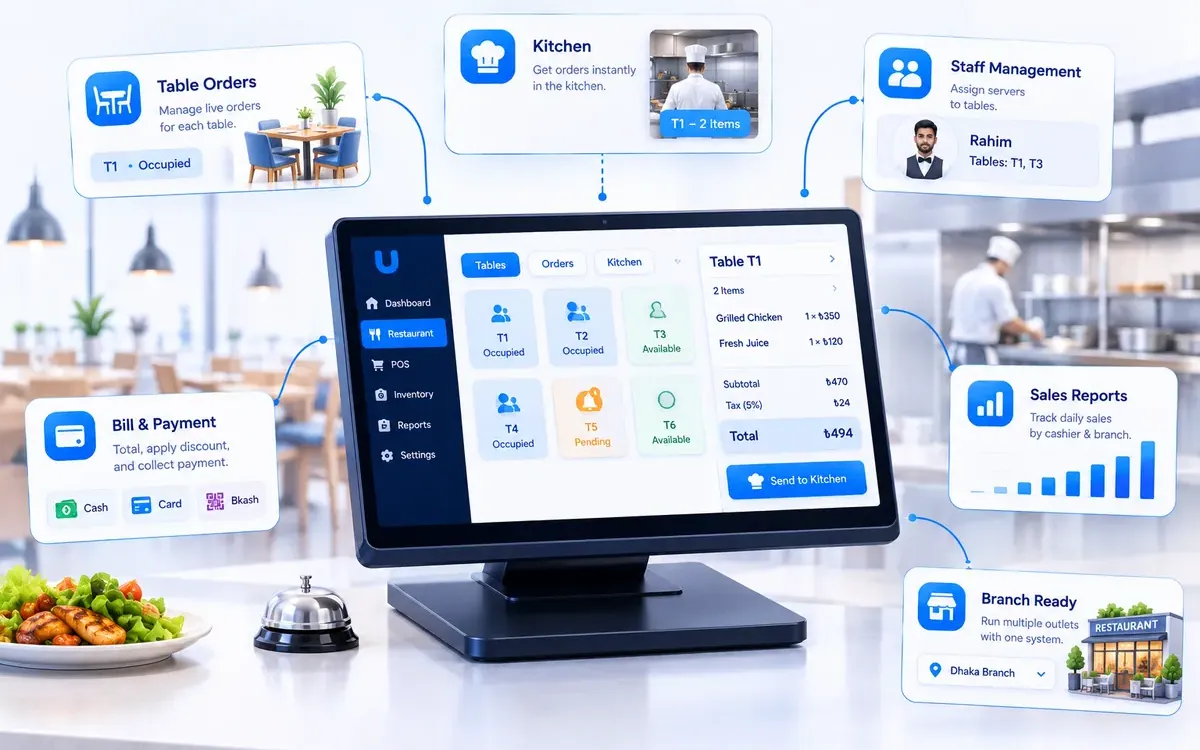
SigmaTurn is GiveTurn's AI-powered business operating system. Its Restaurant module adds a table-and-kitchen layer on top of SigmaTurn's POS, so restaurants, cafés and food courts run the front of house and the kitchen from the same system as their accounts, staff and purchases. Here is how a table moves through it during a shift.
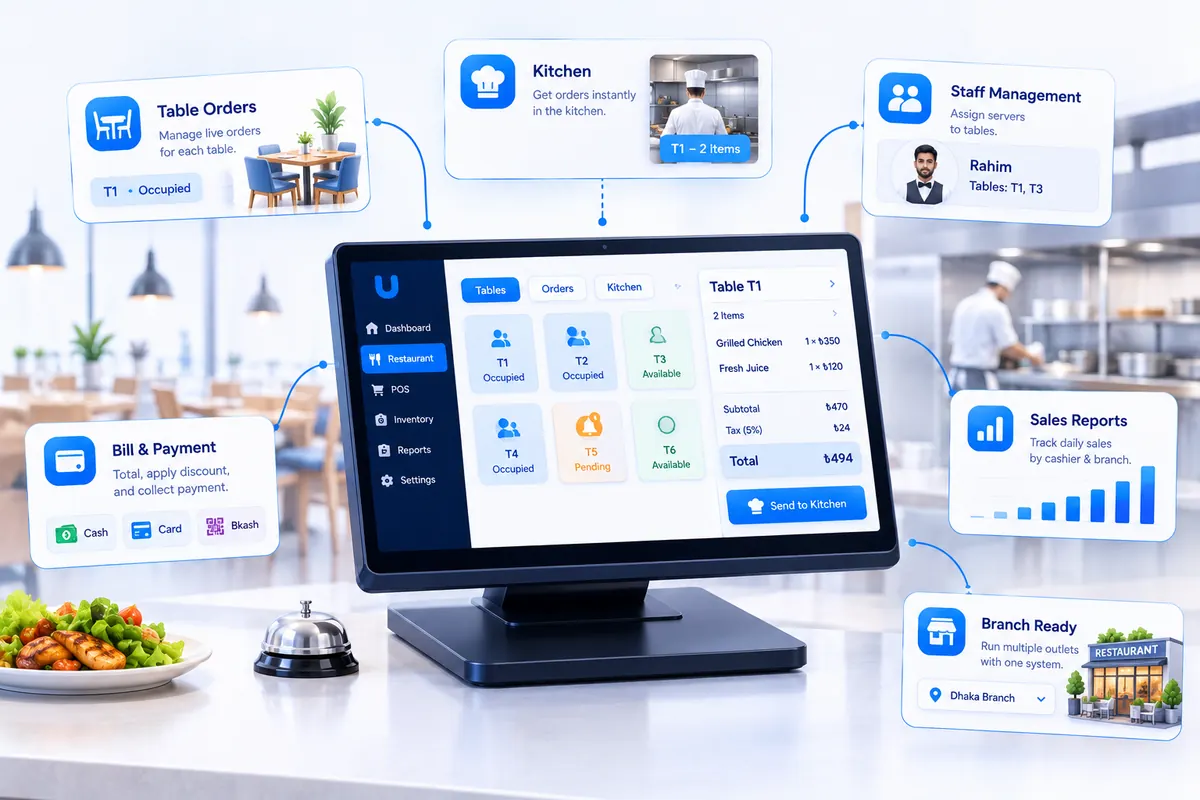
1. Open the table and take the order
A server opens the table and adds items from the menu. Servers are assigned to tables, so the floor manager can see at a glance who is looking after which guests and which tables are occupied or free.
2. Send it straight to the kitchen
The order goes to the kitchen the moment it is placed, so the kitchen sees what to prepare and in what order. The kitchen workflow is tracked from order to serve. When guests order another round of drinks or a dessert, those items join the same table order instead of starting a new bill.
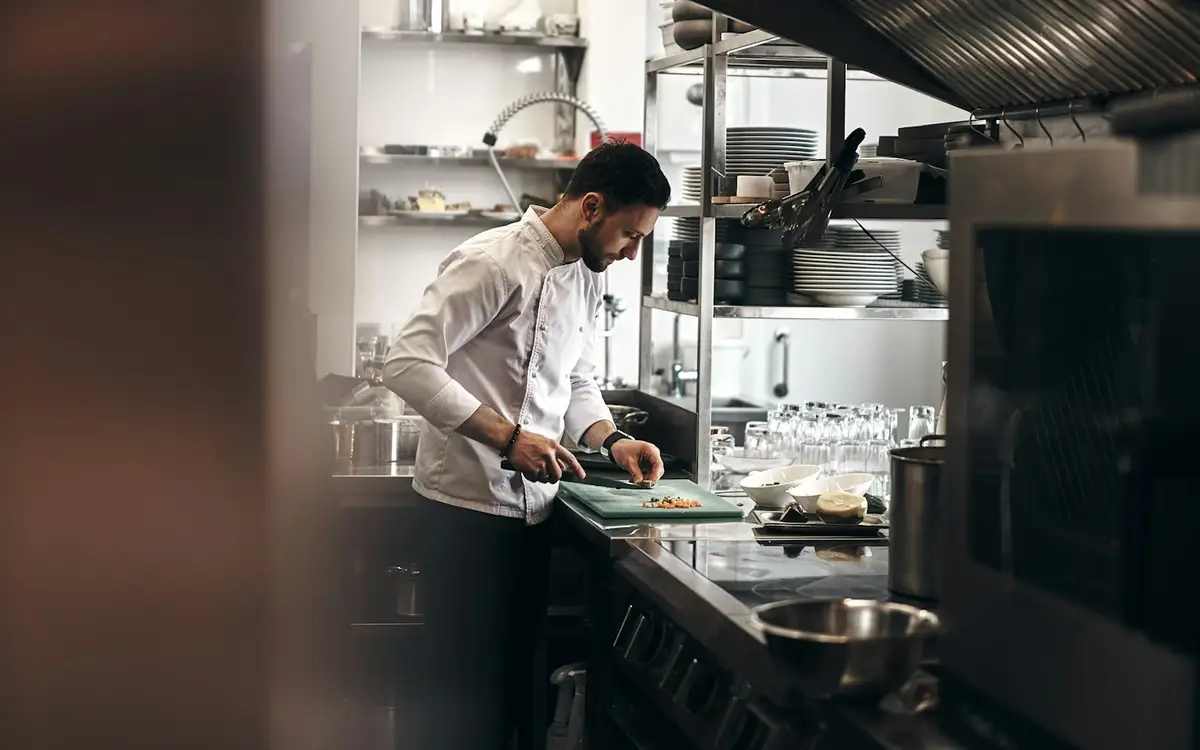
3. Close the bill
When the guests are ready to leave, the bill is already totalled with discount and tax. Discounts can be a flat amount or a percentage, on a single item or the whole bill. Payment is taken in cash or card, the change due is shown instantly, and a receipt is printed.
4. Close the day
Every closed bill lands in Finance alongside the rest of your revenue. Daily sales reports break the day down by cashier, payment method and branch, so if the drawer doesn't match, you know where to look.
5. Run the rest of the business from the same place
Because it runs inside SigmaTurn, your waiters, cooks and cashiers are already in People & HR for attendance, shifts and payroll, and suppliers, purchase orders and expenses are managed in Finance & Purchase. A restaurant group with several outlets runs each one as its own branch with its own tables and sales; branch managers see only their own outlet, and head office sees all of them together.
Want to see it for yourself? Visit the official SigmaTurn website, or read more about the platform on our SigmaTurn product page.
Restaurant VAT in Bangladesh: what your system should help with
Dine-in restaurants in Bangladesh have generally charged VAT at a reduced 5% rate. The rate can change suddenly: in January 2025 a government ordinance raised restaurant VAT from 5% to 15%, and within days, after protests by restaurant owners, the National Board of Revenue (NBR) said it would restore the 5% rate. Restaurant owners' associations have continued to push for a single flat rate in later budgets.
The lesson for your software is simple: tax rates should be a setting, not something hard-coded, and every bill should show the tax clearly. NBR has also been pushing restaurants to record sales through Electronic Fiscal Devices (EFDs) and Sales Data Controllers (SDCs). If you are required to use one, ask any vendor how their system works alongside it. Always check the current rate and rules with NBR or your VAT consultant, because they change with each budget.
Staff, shifts and payroll: the hidden cost in most restaurants
Restaurants run on shifts, part-time staff, overtime during busy seasons and high turnover. When attendance lives in a register and payroll in a spreadsheet, overtime gets argued about every month and new staff take weeks to set up properly.
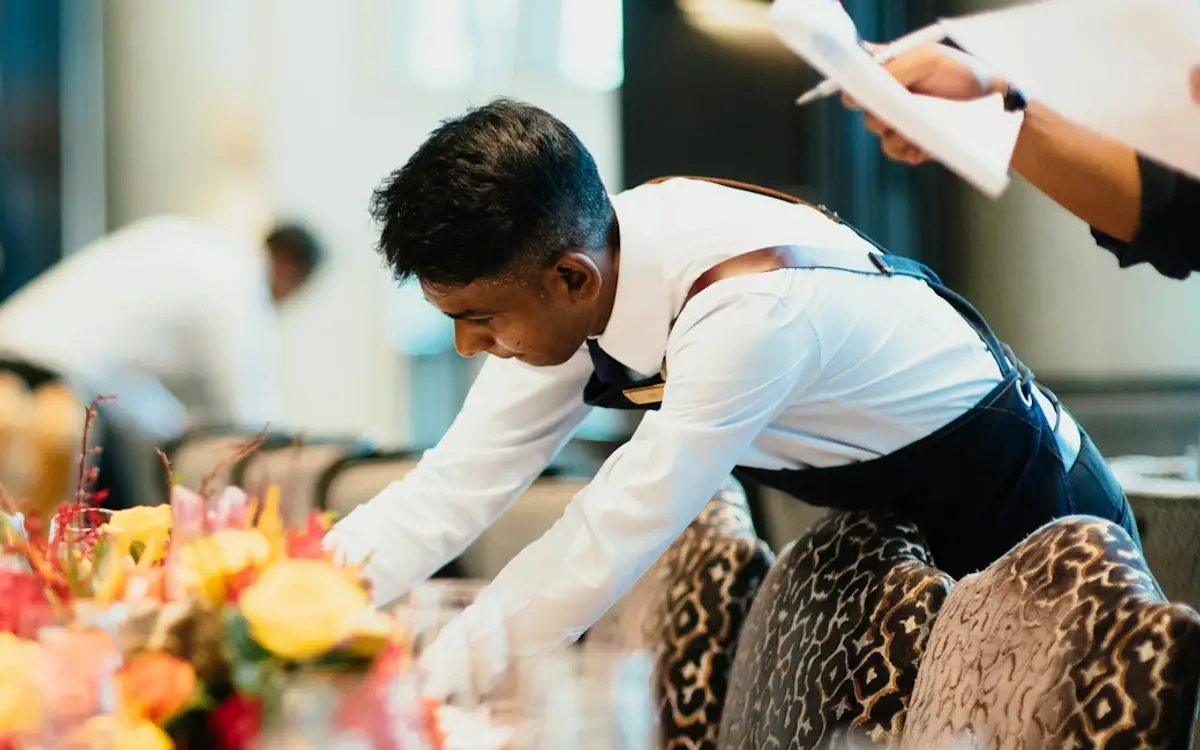
- Shifts and rosters. Plan who works lunch, dinner and the late shift, and see who actually turned up.
- Attendance you can trust. SigmaTurn supports fingerprint and face-recognition attendance devices, so check-ins are logged, not remembered.
- Payroll from real hours. Overtime is calculated from logged attendance with configurable rates, instead of being counted by eye.
- One record per employee. The same person who is assigned to Table 4 tonight has one record for attendance, leave and pay.
How to choose a business operating system for your restaurant: a 10-point checklist
Use this checklist with any product you are considering, including ours. The best test is a real shift: ask for a trial and run one busy evening through it alongside your current process.
- 1. Table view. Can you see every table's status and open order at a glance on a busy night?
- 2. Kitchen orders. How do orders reach the kitchen: a screen, a printer, or both? Does it fit your kitchen's layout?
- 3. Adding to an open table. Do later items join the same bill without the server re-entering the table?
- 4. Billing speed. Time how long it takes to close a table with a discount and tax and print the receipt.
- 5. Payments you actually take. Cash, card, and mobile financial services such as bKash and Nagad. Confirm how each one is recorded in the daily sales report.
- 6. Daily closing. Can you see sales by cashier, payment method and outlet, and match them to the cash drawer?
- 7. Staff and payroll. Are attendance, shifts and payroll in the same system, or do you still need separate HR software?
- 8. Purchases and accounts. Do supplier bills, expenses and every closed bill post to the books automatically?
- 9. VAT. Can you set and change the tax rate yourself? How does it work with an EFD or SDC if you use one, and with the NBR's Mushak forms?
- 10. Multiple outlets and support. Can each outlet run as its own branch with its own tables and sales? Is support available during your evening rush, not only office hours?
When SigmaTurn is not the right choice
We would rather you pick the right tool than the one we build. Here is where we would point you elsewhere, or ask you to check carefully first.
- A single tea stall or takeaway counter. If you have no tables and a handful of items, a simple POS app or a cash register may be all you need.
- Recipe-level ingredient tracking. SigmaTurn's public pages don't list recipe costing or automatic ingredient deduction per dish. If food-cost control by recipe is your main goal, ask the team before you commit.
- Delivery-app integration. The public pages don't list direct integration with food delivery apps. If most of your orders come through them, check how those orders would be recorded.
- QR self-ordering, reservations and split bills. These aren't listed as features. If your service depends on them, confirm during the trial.
- EFD/SDC and Mushak VAT automation. SigmaTurn doesn't currently claim a direct link to NBR's fiscal devices or automated VAT returns. If you are required to use one, confirm how the two work together.
A 30-day rollout plan for a restaurant or café
Switching systems in a busy restaurant fails more often from rushing than from picking the wrong product. A staged plan keeps service running:
- Week 1: menu, tables and staff. Enter your menu with prices and tax, set up your table layout, and add your waiters, cooks and cashiers with their shifts. Train the team on a quiet afternoon, not on a Friday night.
- Week 2: run the floor in parallel. Take table orders and send them to the kitchen through the system during lunch service, while keeping your paper chits as a backup. Move dinner service across once lunch runs smoothly.
- Week 3: billing and daily closing. Close every bill in the system and compare the daily sales report by cashier and payment method with the cash drawer each night. Fix any gaps before you drop the old register.
- Week 4: purchases, payroll and outlets. Record supplier purchases and expenses, run your first payroll from logged attendance, and add any other outlets as branches. Then retire the paper chits.
Frequently asked questions
What is the best business operating system for restaurants in Bangladesh?
The best choice is one that gives every table a live order, sends orders straight to the kitchen, totals bills with discount and tax, reports daily sales by cashier, payment method and branch, and runs staff, purchases and accounts in the same system. SigmaTurn's Restaurant module is built for this. Judge any product with the 10-point checklist above.
What is the difference between a restaurant POS and a business operating system?
A restaurant POS handles the front of house: tables, orders, the kitchen and billing. A business operating system includes that but also runs staff attendance and payroll, supplier purchases, expenses and accounts on the same database, so every closed bill updates your books without re-entry.
Can orders go straight from the table to the kitchen?
Yes. In SigmaTurn, a server opens the table, adds items from the menu and sends them straight to the kitchen, which sees what to prepare and in what order. The kitchen workflow is tracked from order to serve.
Can guests add items to their order later in the meal?
Yes. Items added later join the same table order instead of starting a new bill, so the final bill already includes everything the table ordered.
Does it work for cafés and food courts?
Yes. The Restaurant module is designed for restaurants, cafés and food courts. A food court or restaurant group can run each counter or outlet as its own branch with its own tables and sales.
Can I see sales by cashier and payment method?
Yes. Daily sales reports break the day down by cashier, payment method and branch, which makes it much easier to match the cash drawer at closing.
Can I manage several restaurant outlets from one account?
Yes. With Branch Management, each outlet runs as its own branch with its own tables and sales, branch managers see only their own outlet, and head office sees all of them together on one account.
What is the VAT rate for restaurants in Bangladesh?
Dine-in restaurants have generally charged VAT at a reduced 5% rate. In January 2025 the rate was raised to 15% and then restored to 5% within days. Rates can change with each budget, so check the current rate with the National Board of Revenue or your VAT consultant.
How do I find out what SigmaTurn would cost for my restaurant?
The cost depends on your team size and the modules you need. Start the free trial or contact the team through the official SigmaTurn website.
Can I try it before paying?
Yes. SigmaTurn offers a free trial. You can start it on the official SigmaTurn website.
The verdict
If you run a restaurant, café or food court in Bangladesh and your shift still runs on paper chits and a calculator, the biggest improvement you can make is to put every table's order in one system that the kitchen and the cash counter both read. A business operating system does that and also keeps your staff, suppliers and accounts in the same place, so the owner sees the whole business, across every outlet, without waiting for closing reports.
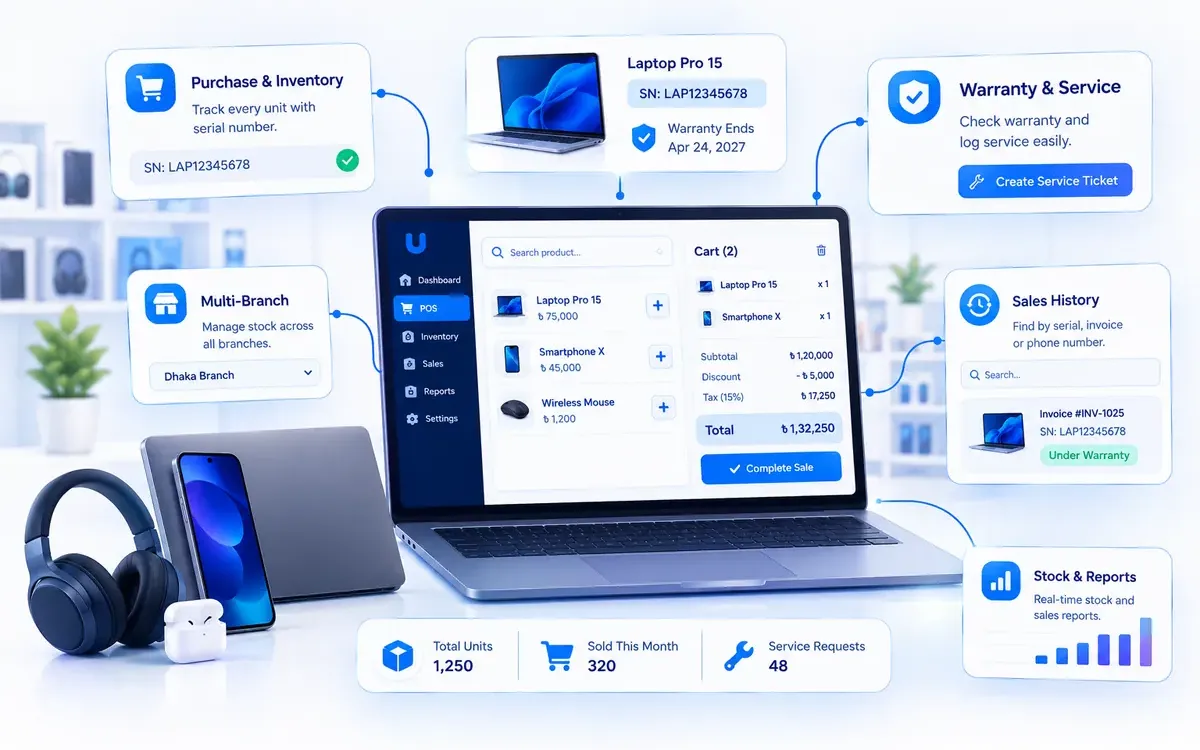
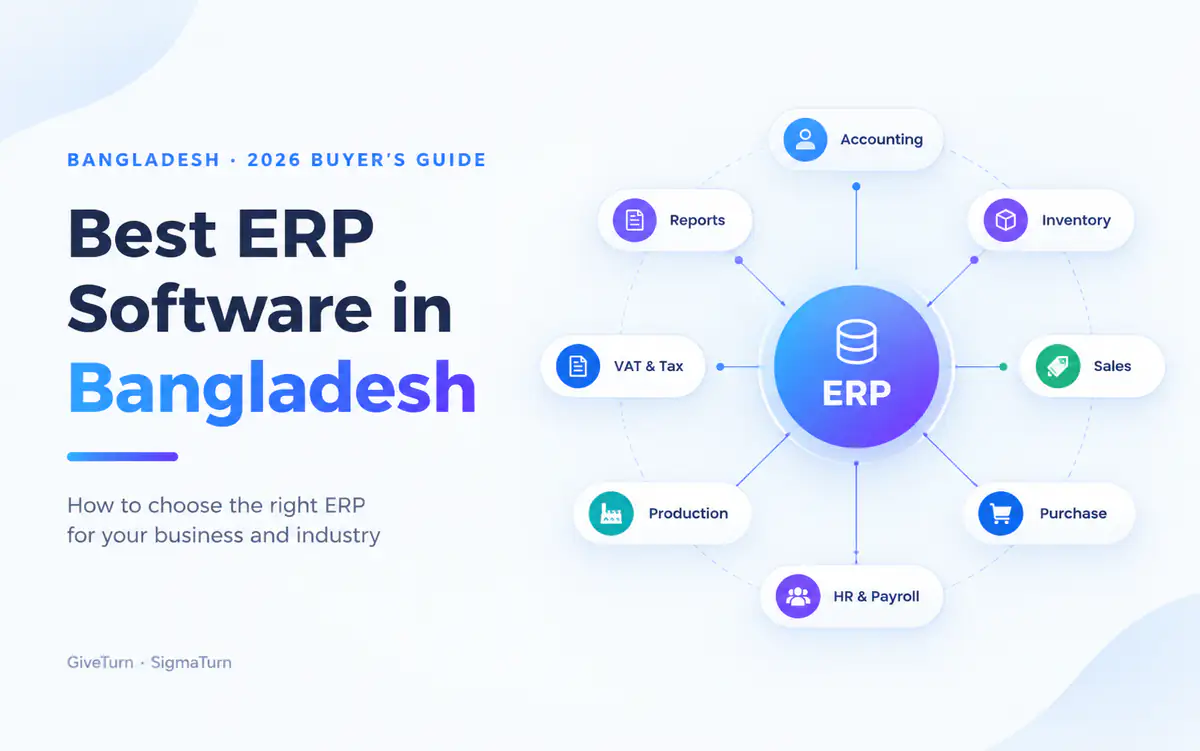
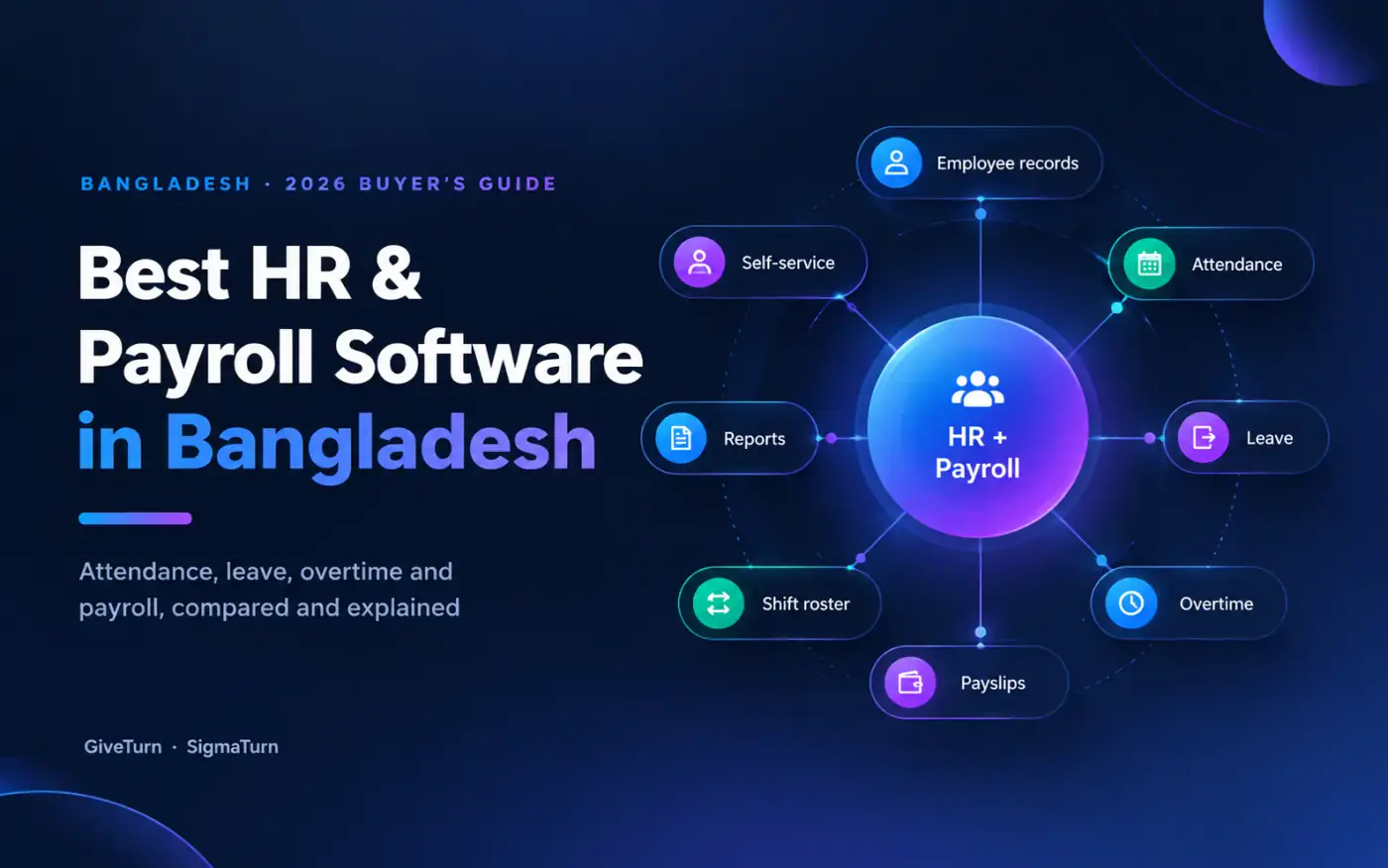
Whatever you choose, run the 10-point checklist, test it during a real busy service, and match a week of daily sales to the cash drawer before you retire the old register. For a wider view, read our guides to the best business operating system in Bangladesh, the best HR and payroll software in Bangladesh and the best business operating system for electronics and computer shops.
Sources and further reading
- SigmaTurn official website and our SigmaTurn product page: Restaurant, POS, People & HR, Finance & Purchase and Branch Management modules
- bdnews24: NBR to restore restaurant VAT to 5 percent (January 2025)
- Dhaka Tribune: Budget FY27, restaurant owners demand flat 5% VAT
- Photos via Unsplash (free Unsplash License): Eugeniya Belova, Pylyp Sukhenko and CHUTTERSNAP. Downloaded, cropped and compressed to WebP.
Written by the GiveTurn Team
Notes from the engineers, marketers, and product builders behind 1,200+ projects for 500+ clients.